
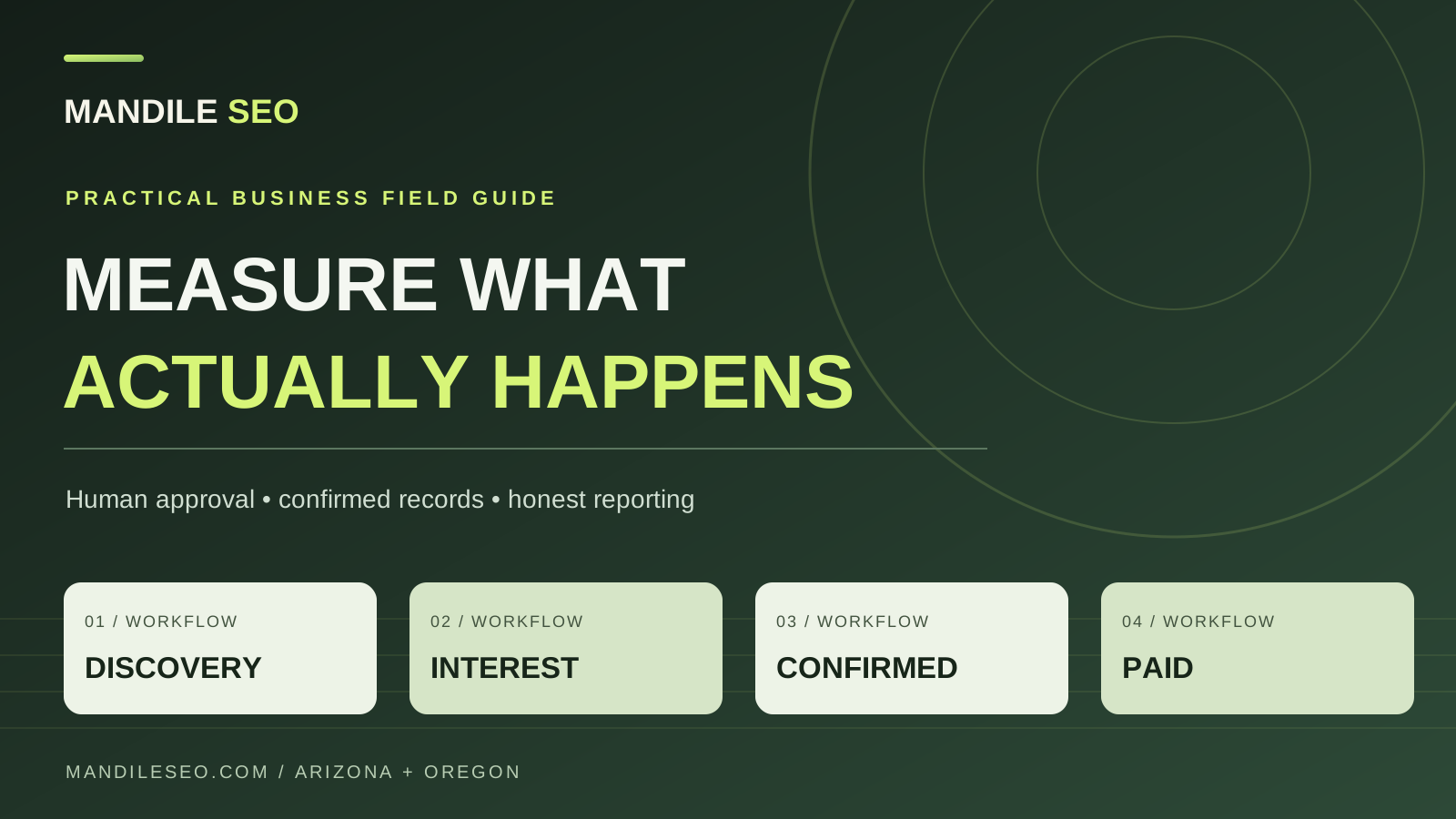
Quick answer: what should you measure before paying for more SEO?
Measure discovery, consented visits, interest clicks, confirmed inquiries, and invoices as separate labels. A phone tap is not a call. If the form provider has the record and analytics missed it, trust the provider record.
What should a free guide ask the reader to do next?
Keep the lesson open, then offer the next step that matches the problem. A Maps guide can point to a local SEO review. A connector guide can point to implementation help. A speed guide can point to a cleanup. The offer should not interrupt the answer or invent a result.
Your tutorials can answer real problems without requiring a signup. A guide to fixing a Google Maps listing can point to a scoped local SEO review. A Claude integration guide can explain when to ask for implementation help. A WordPress optimization guide can show what to check before buying technical cleanup. The commercial call to action should help with the specific hurdle the reader encounters, not interrupt the lesson.
Search engines and AI features can surface information without the person visiting your site. Clear headings, honest direct answers, crawlable pages, accessible images and accurate article metadata are useful foundations. No special “AI-only” schema guarantees recommendation or citation.
How do you separate visibility, intent, and paid work?
Search impressions, AI visibility, consented sessions, CTA clicks, accepted inquiries, and invoices answer different questions. The table names the source for each. Do not turn an AI impression into a lead, or a click into revenue, just because they happened in the same week.
| Signal | Appropriate source | What it actually means |
|---|---|---|
| Search impressions | Google Search Console | A result or surface was displayed according to that report, not that someone hired you. |
| AI overview visibility | Dedicated Google AI performance reports where available | Visibility, not a guaranteed individual source-card click or referral. |
| Article entrances | Consented GA4 sessions | An observed website entrance, not all visitors if users decline analytics. |
| Service and form-jump clicks | GA4 custom events | Potential interest, not completed submissions. |
| Accepted inquiry | Form or email provider | The provider has confirmed an actual submitted inquiry. |
| Won revenue | CRM plus invoice/payment records | A real commercial outcome, not a guessed average job value. |
Which GA4 events should stay separate from leads?
Track phone, email, and service clicks apart from a lead event. Record a lead only after the server or form provider accepts it. A jump to the form is intent. An observed Reach embed event is not, by itself, proof the provider stored the submission.
For a typical local business, track click_service_cta separately from click_phone_link, click_email_link and the recommended generate_lead conversion event. Record a lead only after your server or form provider confirms acceptance. A link to #lead-form is an intent action, not a successful submission.
With an embedded form, first inspect the actual vendor callback and verify it against the provider’s accepted submissions. Mandile SEO’s current Hostinger Reach embed uses an observed reach:form-submitted event; this observation does not, by itself, prove server acceptance. The forwarding feature is guarded off until that equivalence is verified. Do not paste a generic window-message listener or force debug_mode on all production visitors.
Events that should never become fake sales
- A visitor taps a number but does not connect a call.
- An email app opens but no message is sent.
- A person clicks “Tell me about your project” then abandons the form.
- A caller asks about a dispatch fee but does not authorize anything.
- An AI assistant proposes an appointment without a confirmed calendar or technician acceptance.
How do you debug tracking without polluting reports?
Use Tag Assistant and GA4 DebugView. Confirm the tag waits for analytics consent, then test page views, clicks, a bad form, and one accepted submission. A testing filter does not exclude traffic until it is turned on. If the CRM has a lead and GA4 does not, do not invent a source.
Test with Google Tag Assistant and GA4 DebugView. First confirm that the Google tag is not requested before optional analytics consent. After opt-in, verify page views, phone or email links, and service CTAs. Test both invalid form attempts and a single authorized, provider-accepted form submission. A developer-traffic filter set to Testing labels candidate sessions; it does not exclude them until activated. Never assume a URL parameter alone isolates debug traffic.
Respect browser Global Privacy Control and ad blockers. If the CRM or form provider records a legitimate lead while GA4 has none, do not bypass consent or invent a referral source. The anonymous weekly reconciliation can state “provider-confirmed, analytics unavailable.”
How do you join Search Console and GA4 without double counting?
Normalize the host, case, query string, and trailing slash before you compare pages. Keep event tables separate from session tables so a join does not multiply sessions. Do not call ordinary Search Console impressions AI impressions unless that AI report supplied the figure.
Search Console commonly supplies canonical full URLs while GA4 reports landing page paths. Normalize hostname, case, query and trailing slash before comparing page-level performance. Aggregate one row per date and normalized path within each source before joining. Keep event-grained CTA tables separate from session-grained landing reports: joining all event names into a session table can multiply sessions.
Google AI feature reporting and standard search performance may use different definitions or reporting exports. Do not label total organic Search Console impressions “AI impressions” unless the figure truly came from the dedicated AI report. Don't claim each AI impression led to an organic session. For an open-access explanation of the intake architecture, see the AI intake implementation playbook.
How should the weekly lead ledger be reconciled?
Pick one week and one time zone. Count provider-accepted submissions, then consented analytics events, and write down why they differ. Revenue comes from the invoice ledger, not an average ticket. A report should say not connected or awaiting confirmation instead of showing a fake zero.
Choose a complete reporting week, record the date range and time zone, then note how many accepted submissions your provider actually stored. Match confirmed SMTP deliveries separately. In analytics, distinguish the number of generate_lead events by source; consent-denied visitors will not necessarily produce GA4 events. A perfect 1:1 match across all users is not a sensible assumption for a consent-aware website.
| Weekly question | Source of truth | Action |
|---|---|---|
| How many leads actually arrived? | Reach/CRM accepted entries | Deduplicate and mark spam for review. |
| How many visitors clicked to contact? | Consented GA4 events | Report as intent, not leads. |
| Why are the numbers different? | Consent, provider logs, debug/testing, time zone | Document expected coverage gaps; don't manufacture events. |
| How much revenue did we earn? | Closed/won invoice ledger | Use actual amounts, not an average ticket multiplier. |
One useful operational outcome is a weekly report that clearly shows “not connected,” “awaiting confirmation,” or “reconciled,” rather than displaying zeros that imply data exists when a provider is disconnected.
Where should you verify the measurement rules?
Start with GA4 DebugView, developer traffic filters, and Looker Studio blending guidance. Confirm each form vendor success signal before you connect it. The business-critical counts should stay in your own lead and invoice systems, where a person can audit them.
Start with GA4 DebugView, developer traffic filters, and Looker Studio blending guidance. Verify each vendor’s form-success signal and permission model before integrating it with analytics. Business-critical counts should remain auditable in your own lead and invoice systems.
Know which inquiries are real before you invest more.
Mandile SEO helps local businesses audit website handoffs and scope consent-aware measurement. Call 971-446-5221. Office: 5836 W Thunderbird Rd, Glendale, AZ 85306. Read the Glendale marketing guide and the Glendale and Phoenix metro pages. Distance from that office does not limit a client Maps ranking.
People also ask: clean conversion tracking
What should a local business measure before buying more SEO?
Measure discovery, consented visits, interest clicks, provider-confirmed inquiries, and invoices as separate labels. A phone tap is not a completed call, and a form button is not a lead. If the form provider has the record and analytics does not, trust the provider record.
Is an AI Overview impression a lead?
No. An impression means a result was displayed in that report. It is not a click, a call, or an invoice. Do not label ordinary Search Console impressions as AI impressions unless the number came from the dedicated AI report.
When does a website action become an accepted inquiry?
After the form or email provider confirms it stored the submission. A click to the form, an opened email app, or a Reach embed event by itself is interest. Mandile SEO does not treat an unverified embed event as server acceptance.
Why will GA4 and the CRM disagree?
Consent, blockers, time zone, test traffic, and provider logs create expected gaps. Report the gap instead of inventing events to force a match. A consent-aware site should not assume every visitor produces an analytics hit or a real lead today.
How should revenue be counted?
Use closed invoices and payment records, not an average ticket times a click count. A quote, a payment authorization, and a paid invoice are different records. Employee test calls stay in a separate QA ledger, not in the customer totals.